NO MORE RAW CODE DUMPS • ZERO PC NEEDED コード表示の悩みを即解決 • パソコン不要

Run Real Web Pages on iPhone.
Not Raw Code Dumps.
iPhoneで開けないHTMLファイルを、
本物のWeb画面として即実行。

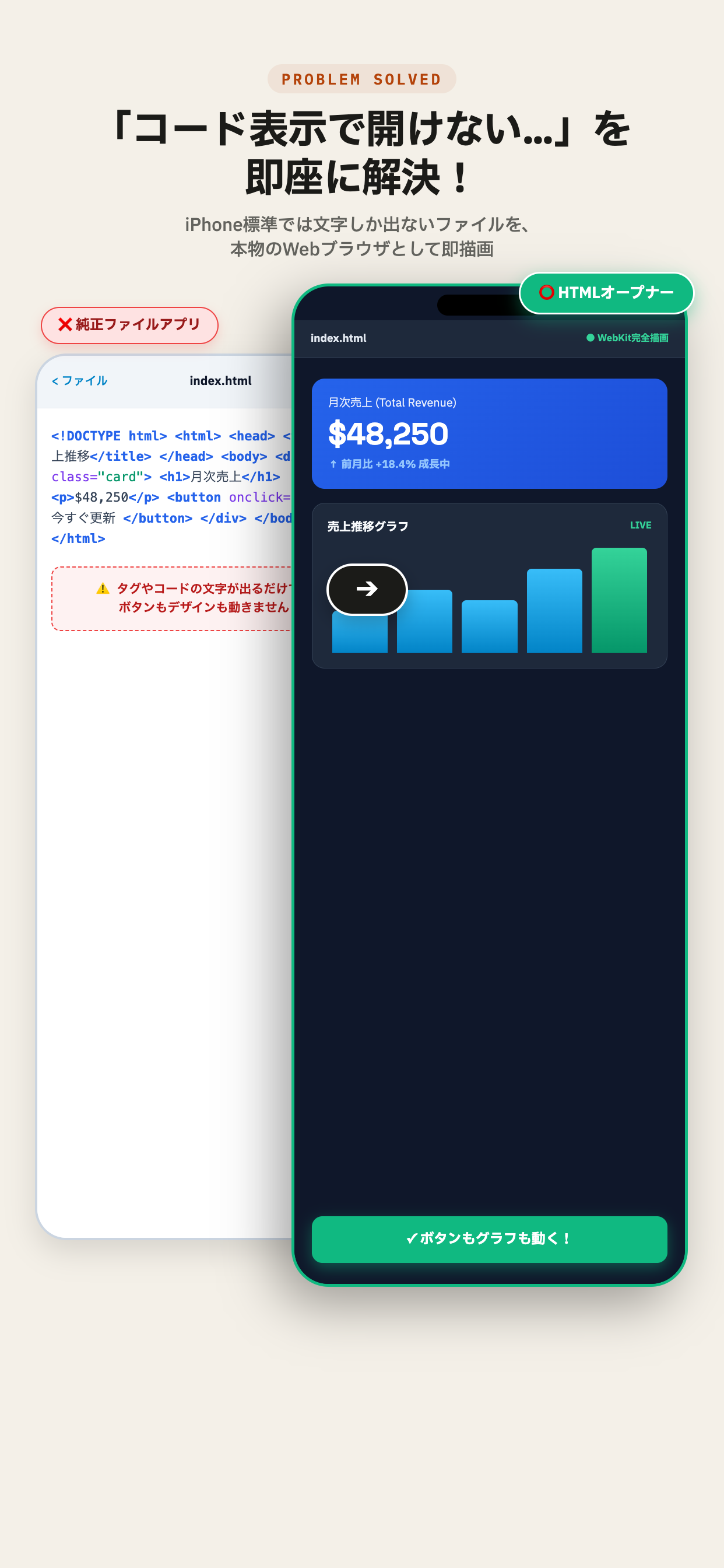
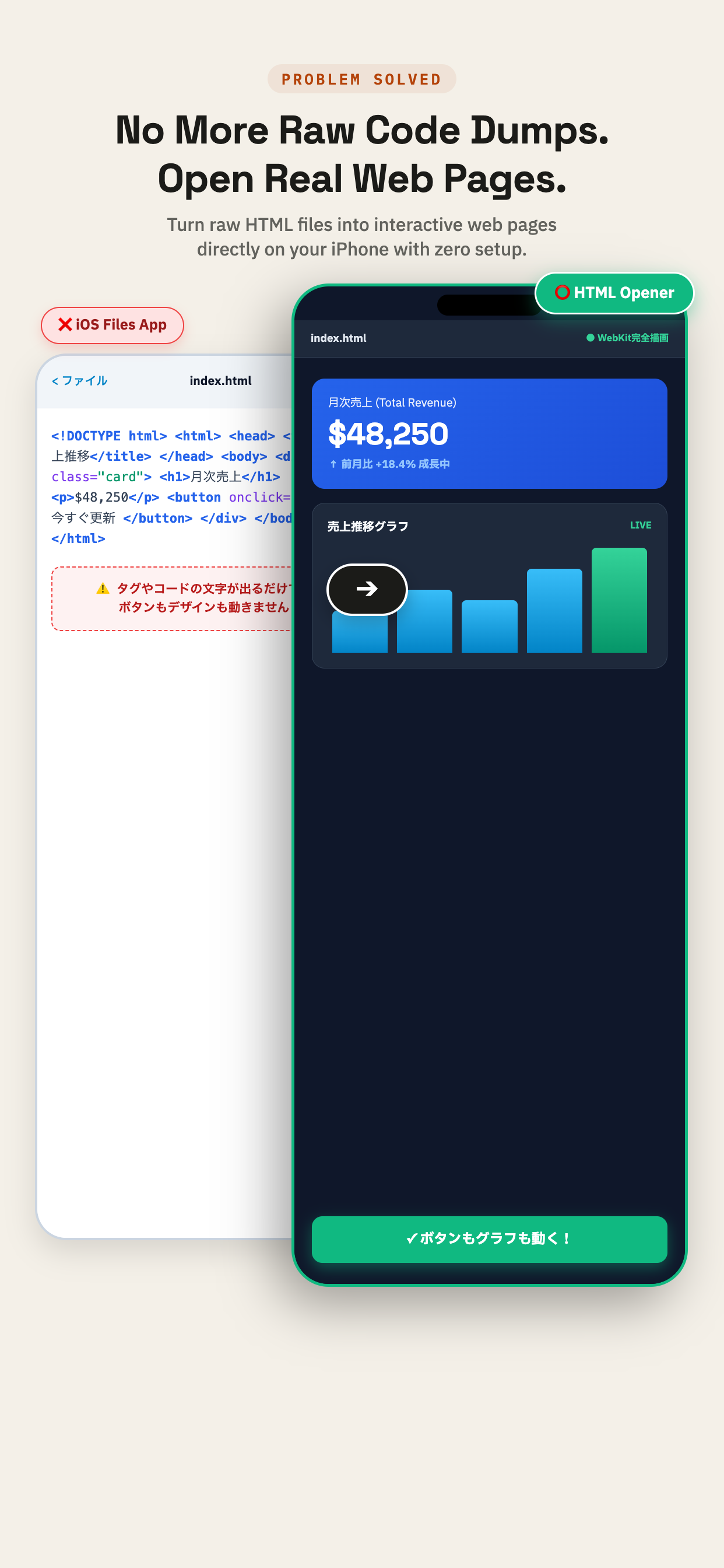
When you open an HTML file in the iPhone Files app, iOS only dumps lines of raw code on screen. HTML Opener renders local HTML, AI-generated web apps, CSS, and JavaScript in a native WebKit browser directly on your iPhone & iPad. Perfect for running tools built with ChatGPT, Claude, or Cursor without a PC. iPhoneの「ファイル」アプリでHTMLを開くと、タグやコードの文字が表示されて画面が動きません。HTMLオープナーなら、PCを起動することなく、ボタンやデザインが動く本物のWebブラウザ(WebKit)としてそのまま起動できます。ChatGPTやClaudeなど、AIが生成した自作Webツールやダッシュボードの動作確認にも最適です。
100% LOCAL RUNTIME
0 ms CLOUD LATENCY
14+ COUNTRIES USED
BEFORE • AFTER COMPARISON LIVE SPEC
HTML Opener Problem Solved HTML Opener Problem Solved
WORKFLOW SEQUENCE

How It Works in 3 Simple Steps かんたん3ステップで実機プレビュー

STEP 01

Save or Share File ファイルを保存または共有

Save your .html file or project folder to the Apple Files app, or tap Share directly from your browser. AIで出力したコードや手元のHTMLファイルを、Appleの「ファイル」アプリに保存するか共有メニューから送ります。

STEP 02

Open in HTML Opener HTMLオープナーで開く

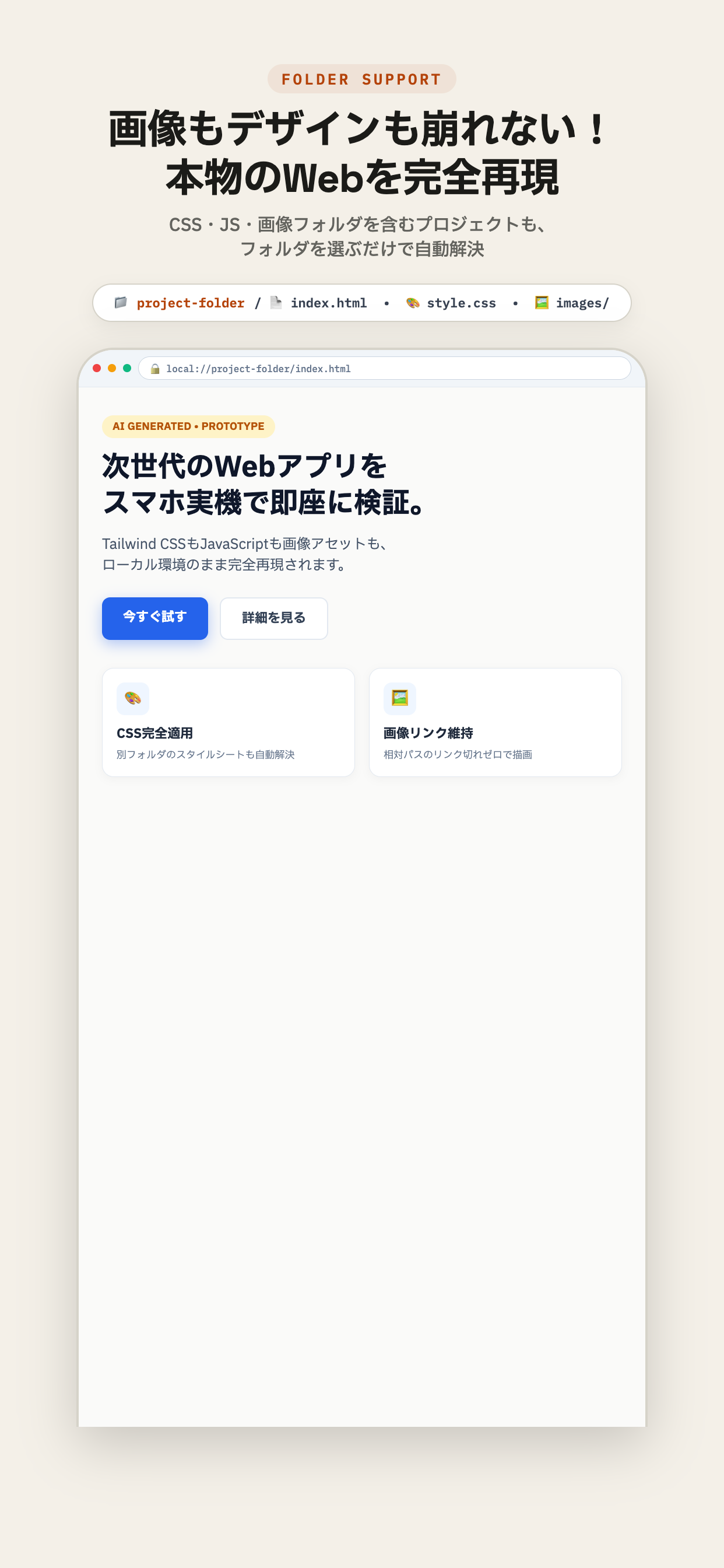
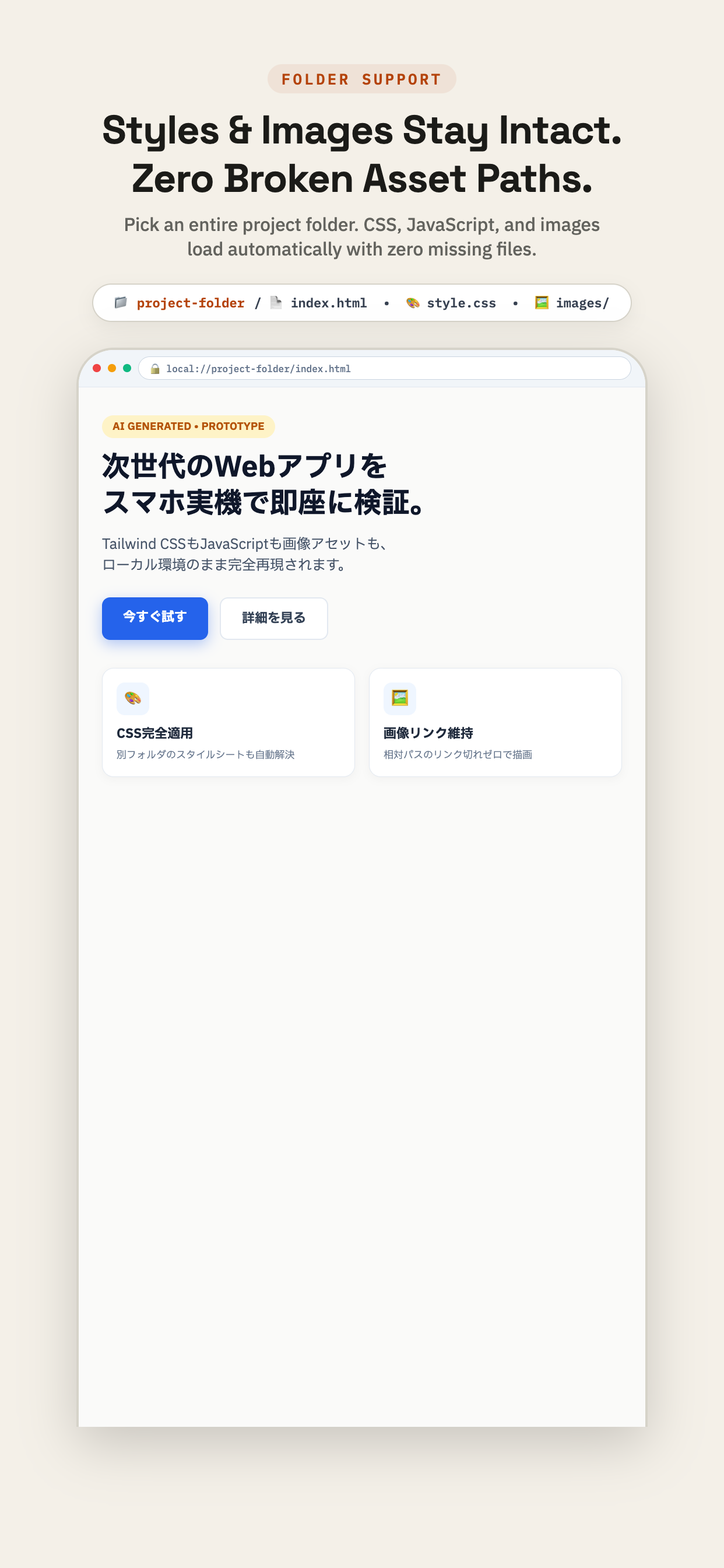
Pick the file or entire project folder. Relative CSS, images, and JavaScript paths resolve automatically. アプリからファイルまたはフォルダを選択するだけ。CSSや画像の相対パスも自動で解決されます。

STEP 03

Run Like a Real App 本物のWeb画面として動作

Buttons, responsive layouts, audio, and animations run smoothly at native WebKit speeds on your iPhone. WebKit描画により、ボタン操作、アニメーション、Tailwind CSSがSafari同等に快適に動きます。

APPLICATION INTERFACE

Engineered to Solve Your Daily Web Frustrations コード表示の不満を解消する、専用の実行環境

SYSTEM CAPABILITIES

Built for Fast, Private, Offline Verification PCやローカルサーバーを使わずに確認できる理由

Zero Local Server ローカルサーバー不要

No terminal commands, no Python simple HTTP server, and no localhost forwarding required. Run directly from device storage. MacやPCを開いてローカルサーバーを立てる必要はありません。iPhone単体で端末内ストレージから直接開けます。

100% Offline & Private 外部送信なしの完全ローカル

Your proprietary code and creative prompts stay securely in your device sandboxed container. Never transmitted to external clouds. 開いたファイルやコードは端末内でのみ処理されます。アカウント登録も不要で、外部サーバーへデータを送信することはありません。

Instant Cache Purge ワンタップで最新状態を再読込

Dedicated cache clear button in the top navigation. Purge WebKit internal cache instantly to verify updated CSS and JS scripts. 上部バーからワンタップでキャッシュを消去可能。ファイルを更新した際も、即座に最新のCSSやJavaScriptを読み直して検証できます。

AI PROMPT TEMPLATES

Copy, Prompt ChatGPT & Run Instantly ChatGPT / Claude コピペ用プロンプト集

Copy any prompt below into ChatGPT, Claude, or Gemini. Save the generated single-file HTML to your iPhone Files app, and launch it directly in HTML Opener. 以下のプロンプトをChatGPTやClaudeにコピー&ペーストするだけで、HTMLオープナーでそのまま動作する単一ファイルWebアプリが即座に完成します。

PROMPT 01 · RETRO GAME 🎮

Retro Breakout Arcade Game レトロ・ブロック崩しゲーム

Full Canvas 60fps retro breakout with touch-drag paddle, Web Audio sound effects, score, and lives. タッチ操作のパドル、Web Audio効果音、スコア保存を備えたHTML5 Canvasのブロック崩しゲーム。

Create a complete, responsive retro Breakout game in a single self-contained HTML file. Include inline CSS with retro arcade styling and vanilla JavaScript using HTML5 Canvas. Implement touch drag controls for iPhone, sound effects via Web Audio API, lives counter, and score tracking with LocalStorage. Zero external dependencies.
PROMPT 02 · PRODUCTIVITY ⏱️

Minimalist Pomodoro Focus Timer 集中ポモドーロ・タイマー

Clean 25/5 min focus timer with circular progress ring, audio chime, and session counter. 円形プログレスバー、Web Audioチャイム音、セッション記録を備えた集中タイマー。

Create a beautiful, minimalist Pomodoro timer in a single self-contained HTML file. Include a 25/5 min interval switcher, SVG progress ring animation, session counter, local sound alerts using Web Audio API, and dark/light mode toggle. Optimized for iPhone touch screens with zero external libraries.
PROMPT 03 · UTILITY 🧮

Calculator with History Tape 計算履歴テープ付き関数電卓

iOS-styled responsive calculator with continuous tape log, memory keys, and haptic-feel feedback. 過去の計算式がスクロールで残るレシート風履歴テープ付きの多機能電卓。

Build a clean, modern iOS-style calculator with a scrolling calculation history tape in a single HTML file. Support basic arithmetic, percentages, memory functions, and responsive touch button styling. Self-contained vanilla CSS and JavaScript with zero external frameworks.
FREQUENTLY ASKED QUESTIONS

Direct Answers for Daily Users & Developers よくある質問(FAQ)

Q.01 Why does opening an HTML file in the iPhone Files app only show raw code? iPhoneの「ファイル」アプリでHTMLを開くと、コードの文字しか出ないのはなぜですか?
iOS QuickLook restrictions. The built-in Files app is only designed for static document previews and disables active scripts and relative folder assets for security. HTML Opener solves this by utilizing the native WebKit engine with full folder access, rendering all interactive buttons, CSS styling, and JavaScript as a real browser. iOS標準プレビューの仕様制限によるものです。 標準の「ファイル」アプリは書類の簡易閲覧用として作られており、安全上の理由からJavaScriptの実行や外部CSS・画像の読み込みを制限しているためです。HTMLオープナーはSafariと同じ描画エンジン(WebKit)を使い、フォルダ内の関連ファイルを正しく読み込むため、ボタンやアニメーション、デザインが本来のWebサイト通りに動作します。
Q.02 How can I run HTML code from ChatGPT or Claude on iPhone without a PC? PCなしでChatGPTやClaudeのHTMLコードをiPhoneで動かすには?
Use HTML Opener. Save the .html file to the Apple Files app and select it with HTML Opener. It runs directly on your device with zero configuration, no terminal, and no local server required. HTMLオープナーをご利用ください。 パソコンやローカルサーバーを立ち上げることなく、iPhoneの「ファイル」アプリに保存したHTMLファイルを、ボタンやデザインが動く本物のWebページとしてそのまま実行できます。
Q.03 Can I run HTML5 Canvas games and Web Audio offline? HTML5のCanvasゲームや音声をオフラインで動かせますか?
Yes, absolutely. HTML Opener utilizes Apple's native WebKit engine, delivering native 60fps rendering, audio synthesis, and responsive touch controls even in airplane mode. はい、完全に動作します。 Safariと同等のWebKitエンジンを搭載しているため、機内モードやオフライン環境でも、Canvasアニメーション、Web Audioによる効果音、タッチ操作が滑らかに動作します。
Q.04 Is any of my code or prompt data uploaded to the cloud? コードやファイルが外部に送信されることはありますか?
No, never. All file parsing and code execution happens 100% locally within your device sandbox. There is no account sign-in and no remote server communication. 一切ありません。 すべてのファイル読み込みと描画は端末内(サンドボックス)で完結します。アカウント登録も不要で、外部サーバーへの通信は行いません。
Q.05 How is HTML Opener different from standard Safari? 標準のSafariブラウザとは何が違うのですか?
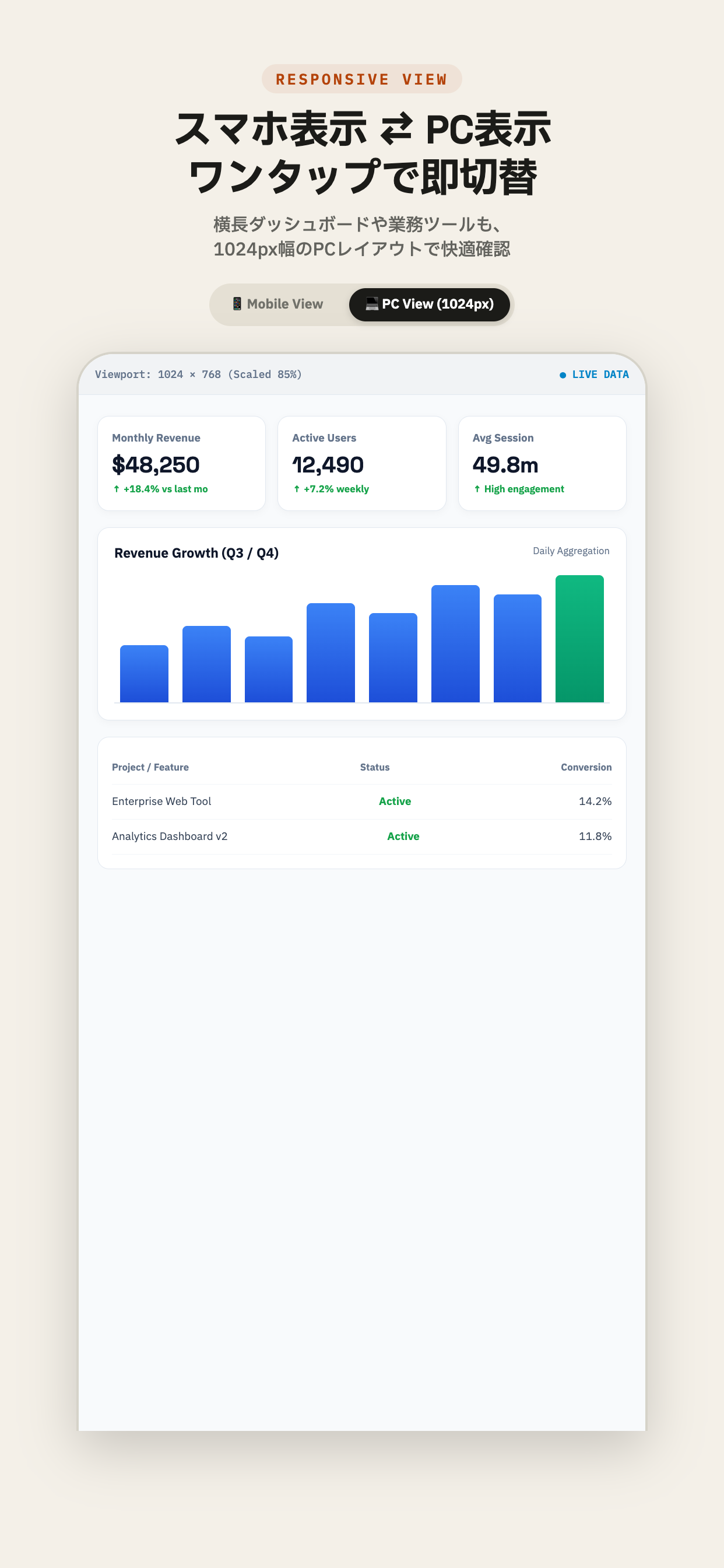
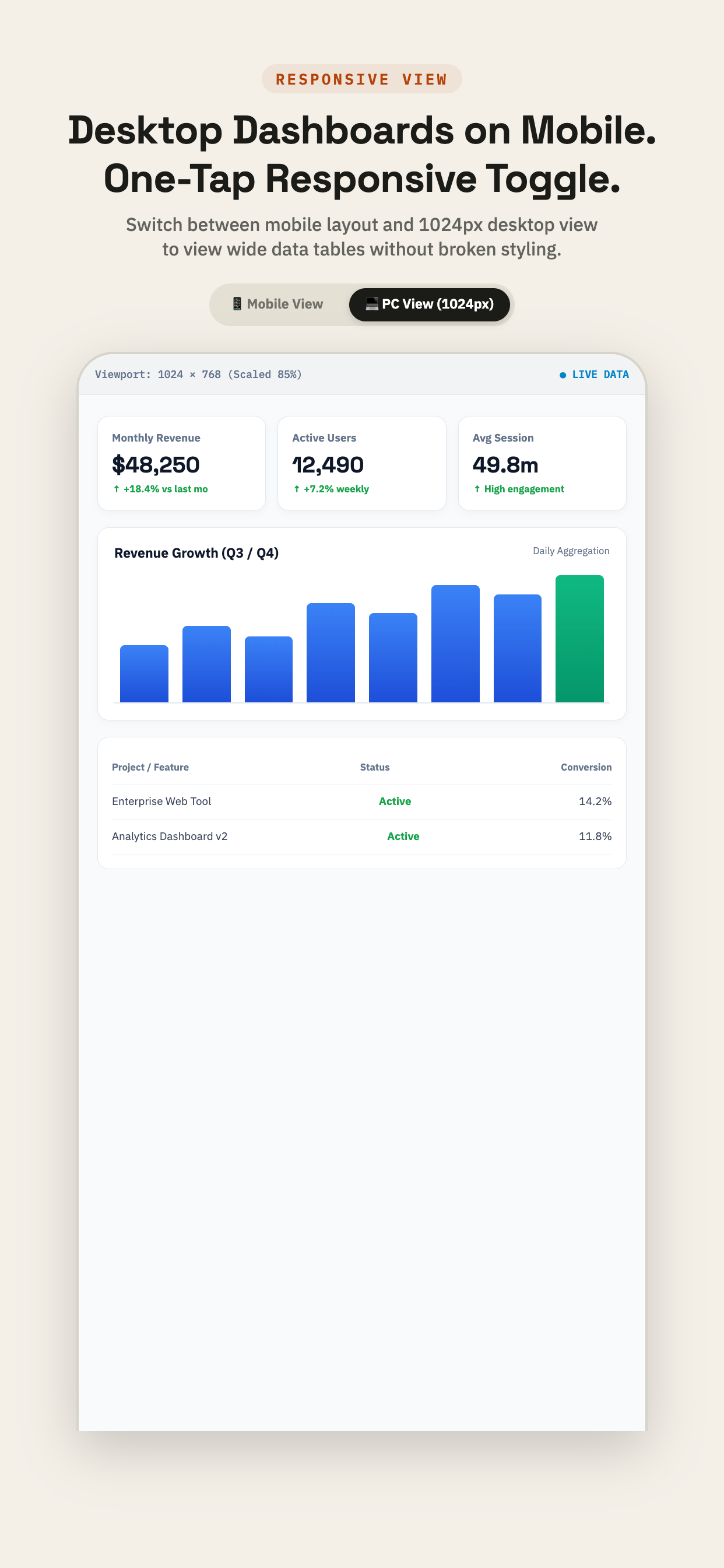
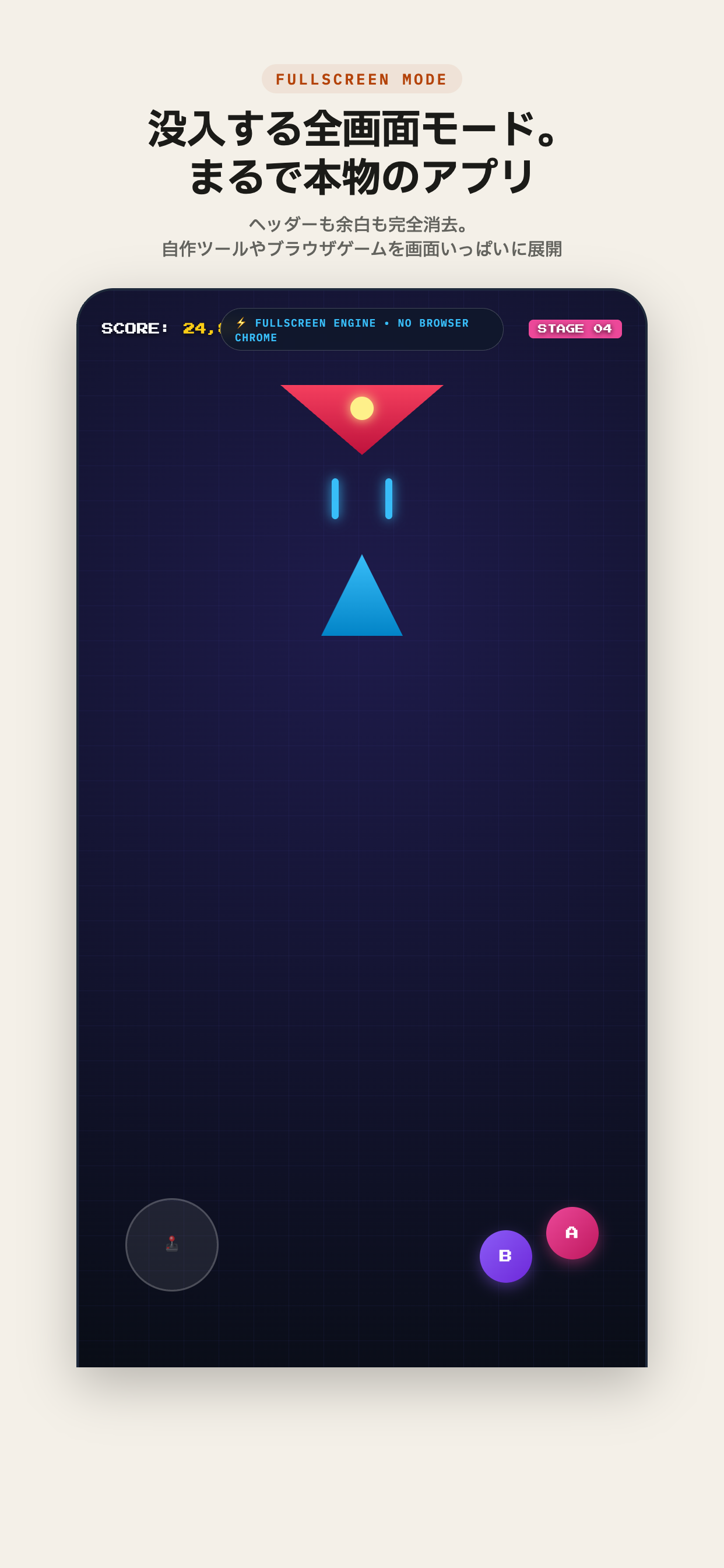
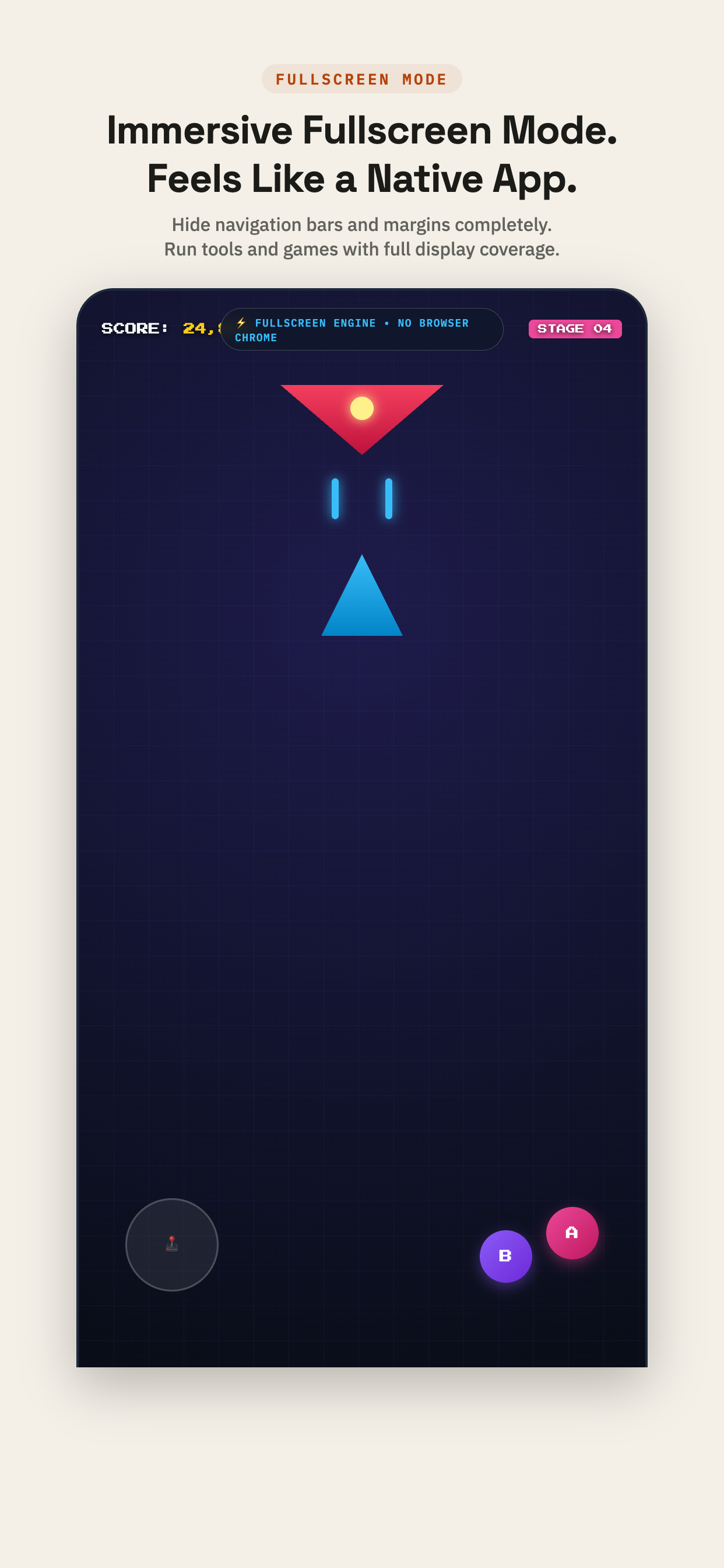
Mobile Safari cannot easily open raw standalone local HTML files from device folders. HTML Opener provides a dedicated file manager, one-tap launch, 1024px desktop view toggle, and immersive fullscreen mode. モバイル版Safariには、端末内のローカルファイルを直接開くURLバーの仕組みがありません。HTMLオープナーは端末内ファイルのワンタップ起動、フォルダ一括読み込み、PC表示(1024px)切替、全画面モードを備えた専用の実行環境です。
Q.06 How can I clear cache to test updated code immediately? コードを編集した直後にキャッシュを消して最新状態を確認できますか?
Yes, with one tap. HTML Opener includes a dedicated cache clear button in the top navigation header. Tap it anytime to purge WebKit's internal cache and instantly reload the newest CSS, JS, and HTML without restarting the app. はい、ワンタップで消去可能です。 画面上部のヘッダーに「キャッシュ消去」ボタンを完備。タップするだけでWebKit内部のキャッシュがクリアされ、最新のCSSやJavaScriptを即座に再読み込みして動作確認できます。
• IMMEDIATE LOCAL EXECUTION •

Stop Dealing with Raw Code Dumps.
Run Real Web Pages Today.
コード表示の不便をなくし、
iPhoneをWebの実行環境に。

Join thousands of users running tools, dashboards, and interactive code directly on iPhone. Free on the App Store. 自作ツール、売上ダッシュボード、AI生成コードをiPhoneで快適に動かせます。App Storeから今すぐ無料でお試しいただけます。

GET HTML OPENER FREE HTMLオープナーを無料ダウンロード